Bold · centred · unhurried
Big Hour
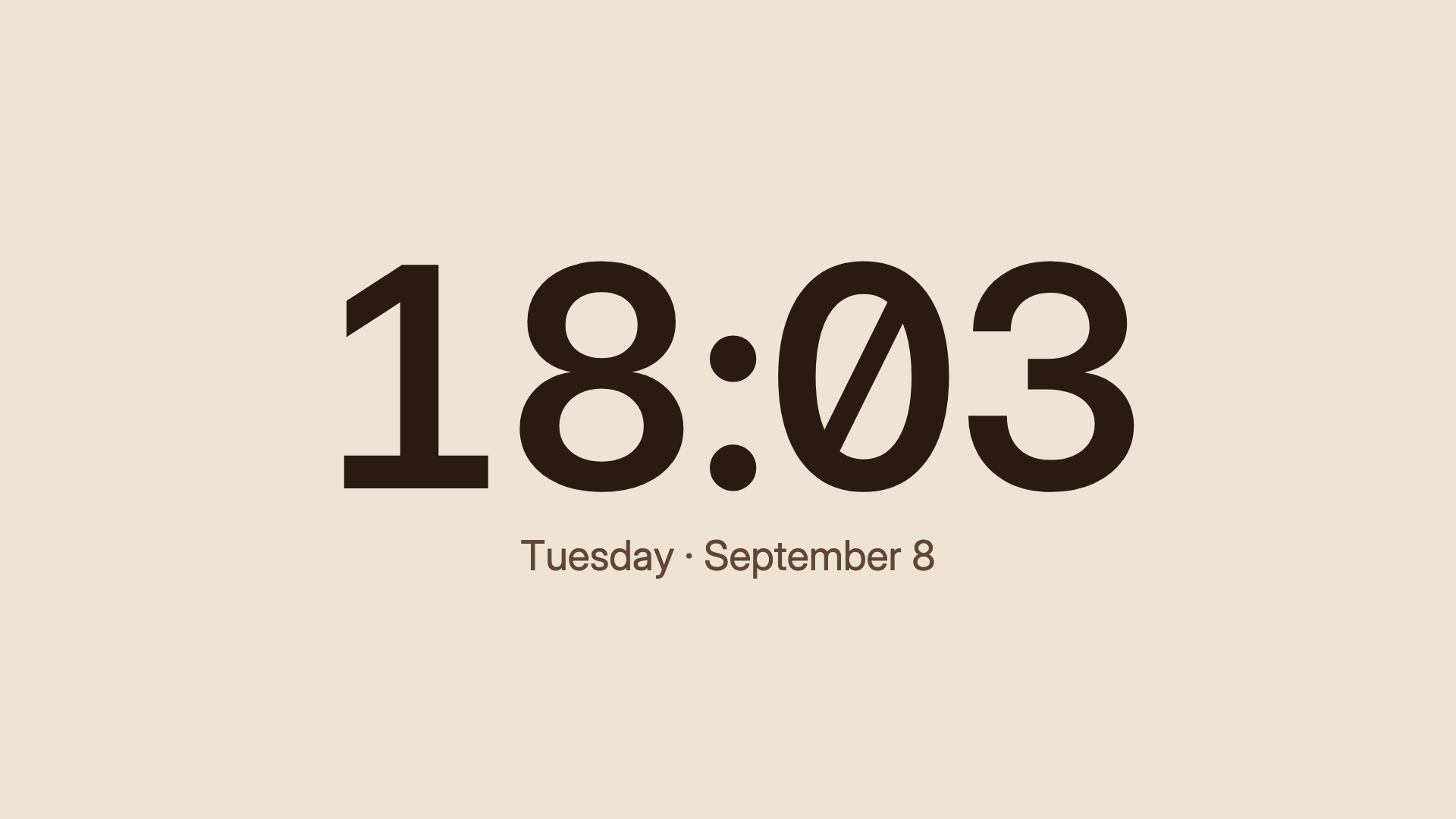
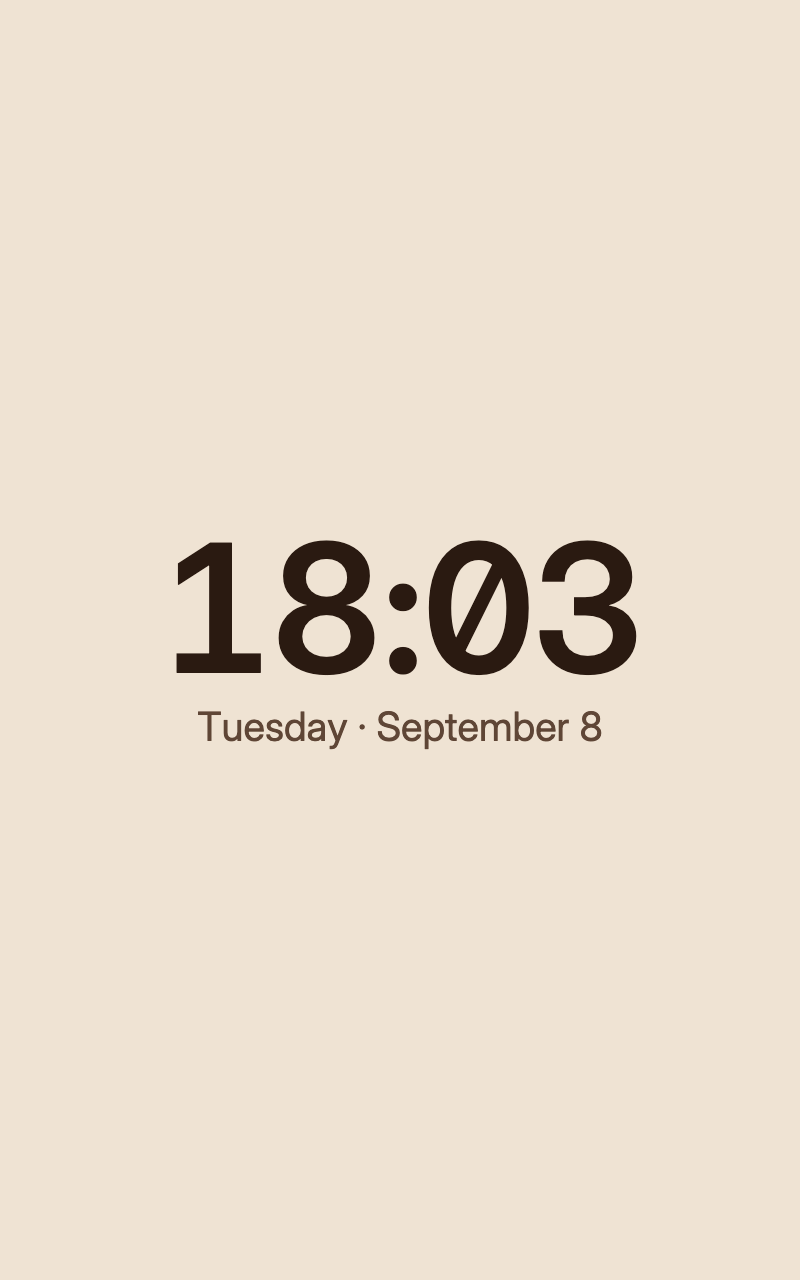
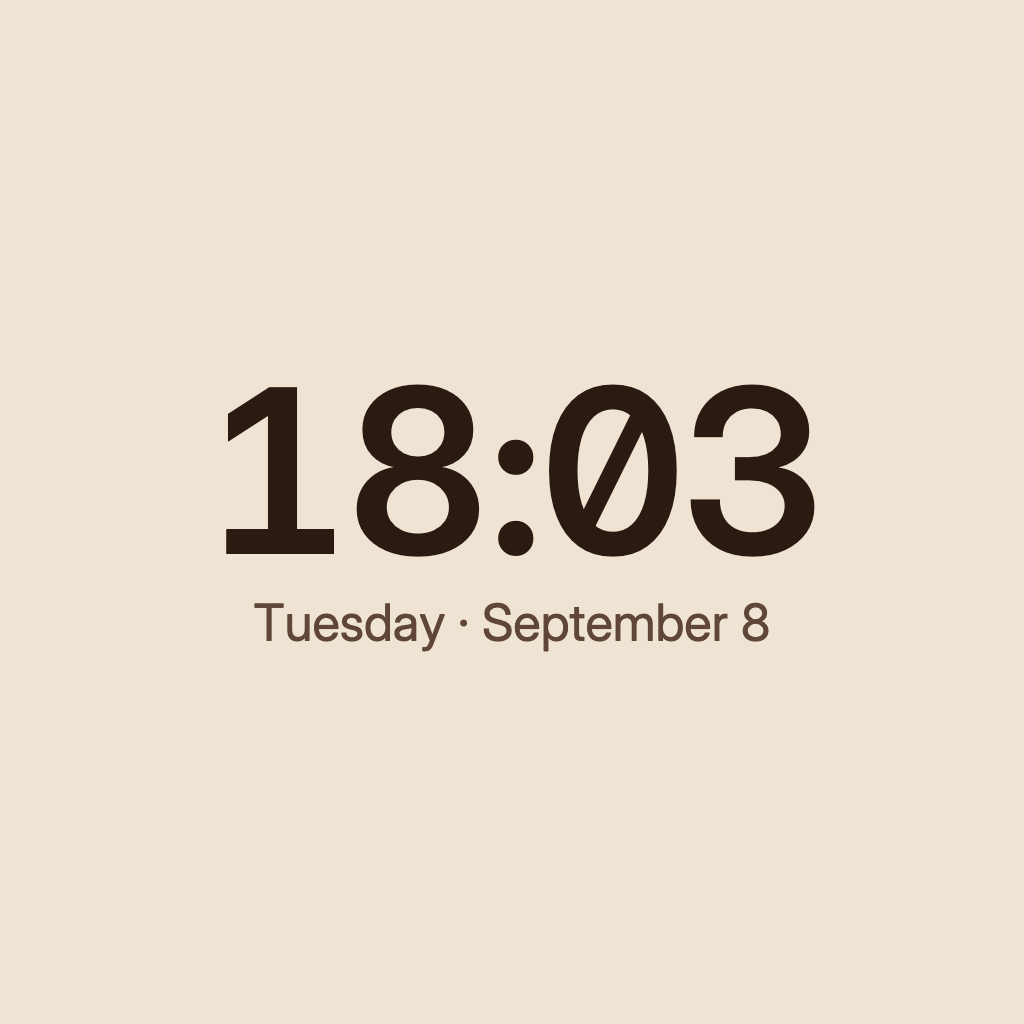
The time in large 24-hour numerals, centred, with no seconds and no card behind it. Made to be read from across the room.
For a kitchen or living-room screen where the time should read from across the room. Big Hour shows large 24-hour numerals, centred, with no seconds and no card behind them. It needs no account or source, and it keeps the screen's local time zone.
By Denframe · version 1.0.0 · MIT
From the Denframe Library · not part of the app. Add it to your Denframe. This website does not connect to or control your home.
Add it to your Denframe
Opens Big Hour in your own Denframe's Library, where you choose Get. Only its id is in the link: nothing about your home comes here.
In Denframe: Studio → Library → Get more → Add by id.
- Denframe in Home Assistant opens only through Home Assistant’s sidebar, which a link can’t reach: copy the id, then in Denframe choose Studio → Library → Get more → Add by id.
- The desktop app answers only on its own computer (127.0.0.1), at a port that can change: open Denframe from the app, then use Add by id.
- Your browser opens your Denframe’s address itself. Some browsers ask before a public website opens an address on your home network (Local Network Access): allow it, or use Add by id.
Make it yours
Add Big Hour from Get more in Studio → Library, then add it to a dashboard. The clock uses the screen's local time zone.
What you need
- No account or external source
Once it is added, open it in Studio → Library, then choose Add to a dashboard…. Your sources and credentials stay on your own host.
Using the libraryLooking up the file…
Read the block specificationConsidered details
- 24-hour numerals without seconds, centred
- Larger text and no card behind it
- Reads from across the room
Layouts that use it
- Sunday Morning · A big clock, the weather and one story worth reading, with the day's plans beside them on warm terracotta paper.
Drawn in
Terracotta · Sand-coloured paper, deep brown type and a fired-clay accent. The layout arranges itself to fit each screen.
- Background · #efe3d3
- Surfaces · #f8f0e4
- Text · #2a1a11
- Quieter text · #5f4636
- Accent · #9a3f1b