Time, beautifully simple
Quiet Clock
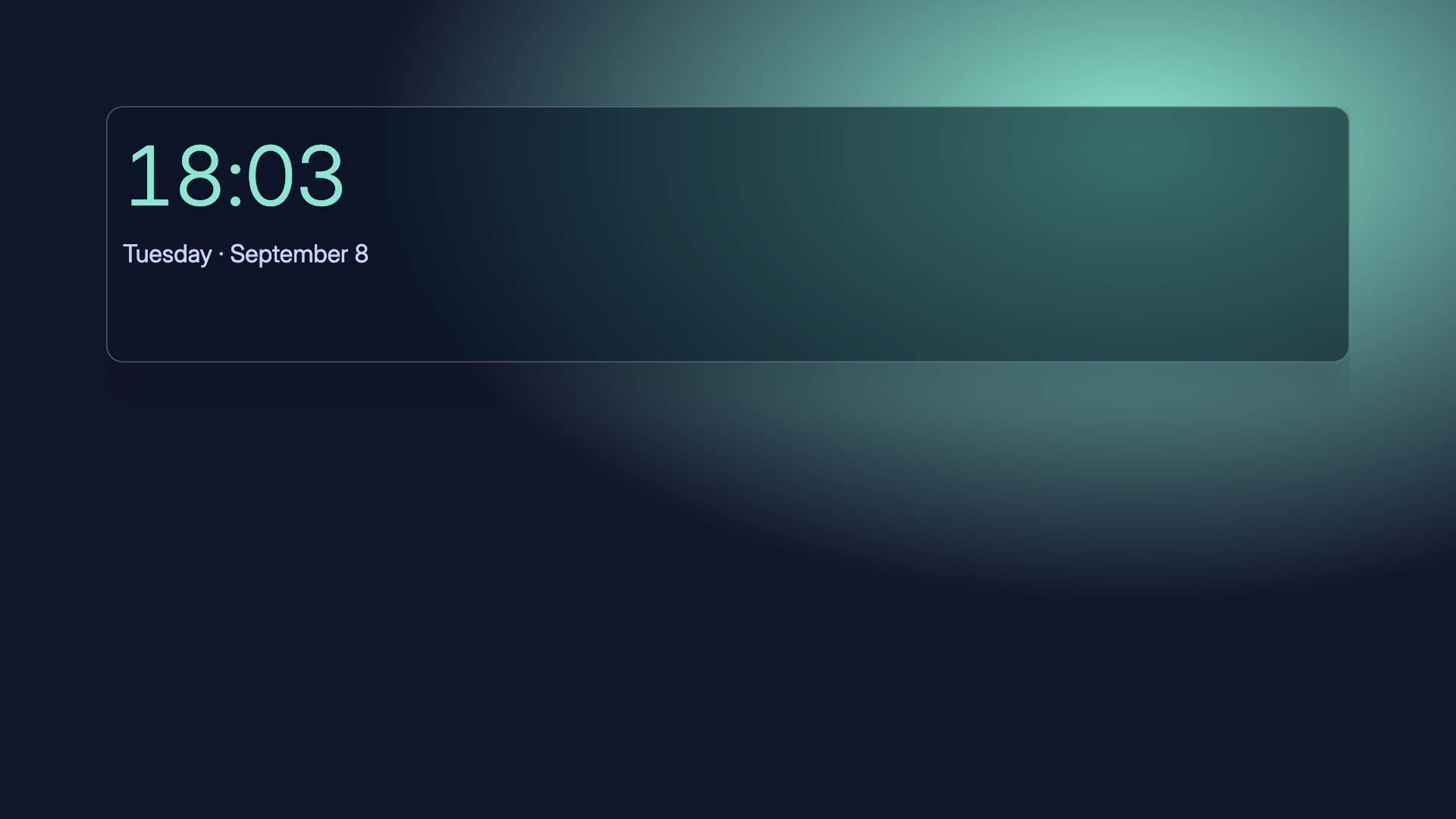
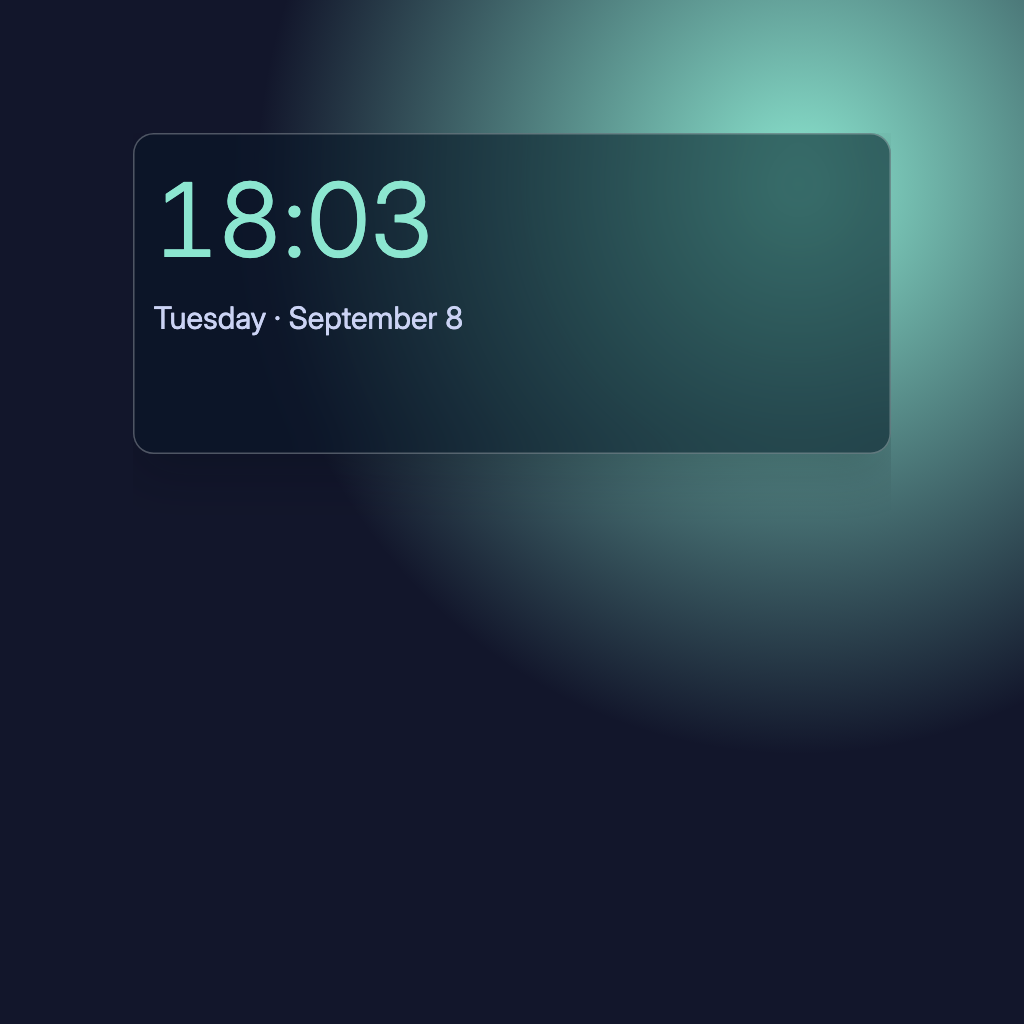
Large, finely balanced numerals and a single date line. A useful anchor that asks for nothing.
For any screen that should always show the time, from a bedside panel to a living-room TV. It needs no account or source; it takes the dashboard's look, so it sits quietly beside artwork or a calendar.

By Denframe · version 1.0.0 · MIT · 1 KB
Included with Denframe · already part of every Denframe, nothing to add: Studio → Library → Quiet Clock. This website does not connect to or control your home.
Make it yours
Quiet Clock is included: choose it in Studio → Library for a 24-hour clock using the screen’s local timezone. In the editor, the clock’s own settings choose hours, seconds, AM/PM and a time zone.
What you need
- No account or external source
It is already in your Denframe: open it in Studio → Library, then choose Add to a dashboard…. Your sources and credentials stay on your own host.
Using the libraryDownload the fileSigned file for an offline importThe file is for a Denframe without this release, or a newer one than yours carries: Import a file in its Library. There is no remote auto-updater.
Read the block specificationConsidered details
- Local or chosen timezone
- 12-hour or 24-hour display
- Uses the dashboard's typography and palette
Layouts that use it
- Morning Edition · Time, weather, your next appointment, then a few headlines. An editorial rhythm for the start of the day.
- Kitchen Table · A welcoming mix of time, weather, plans, and small tasks. Useful during the morning rush.
- After Hours · A generous artwork stage and a discreet clock. Just enough information for a quieter evening.
- Market Desk · A clock, one deliberate watchlist, and a short headline selection on an Ink canvas.
Drawn in
Glass · Mint light and translucent navy panes over a deep color field. Made for the blue hour.
- Background · #12162b
- Surfaces · #222b4a
- Text · #ffffff
- Quieter text · #cbd3f4
- Accent · #8ce6d0