Technical · exact · calm
Blueprint
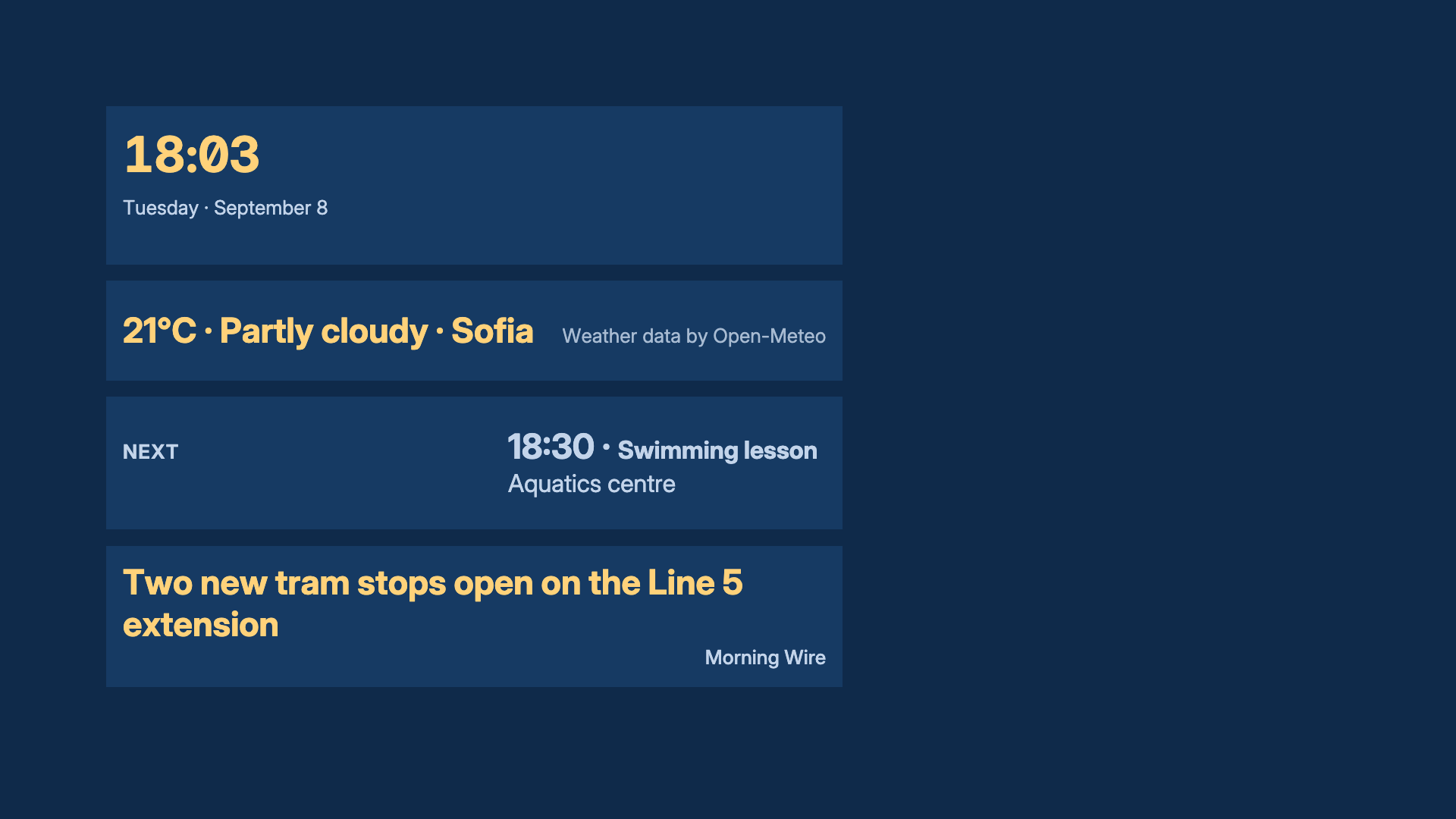
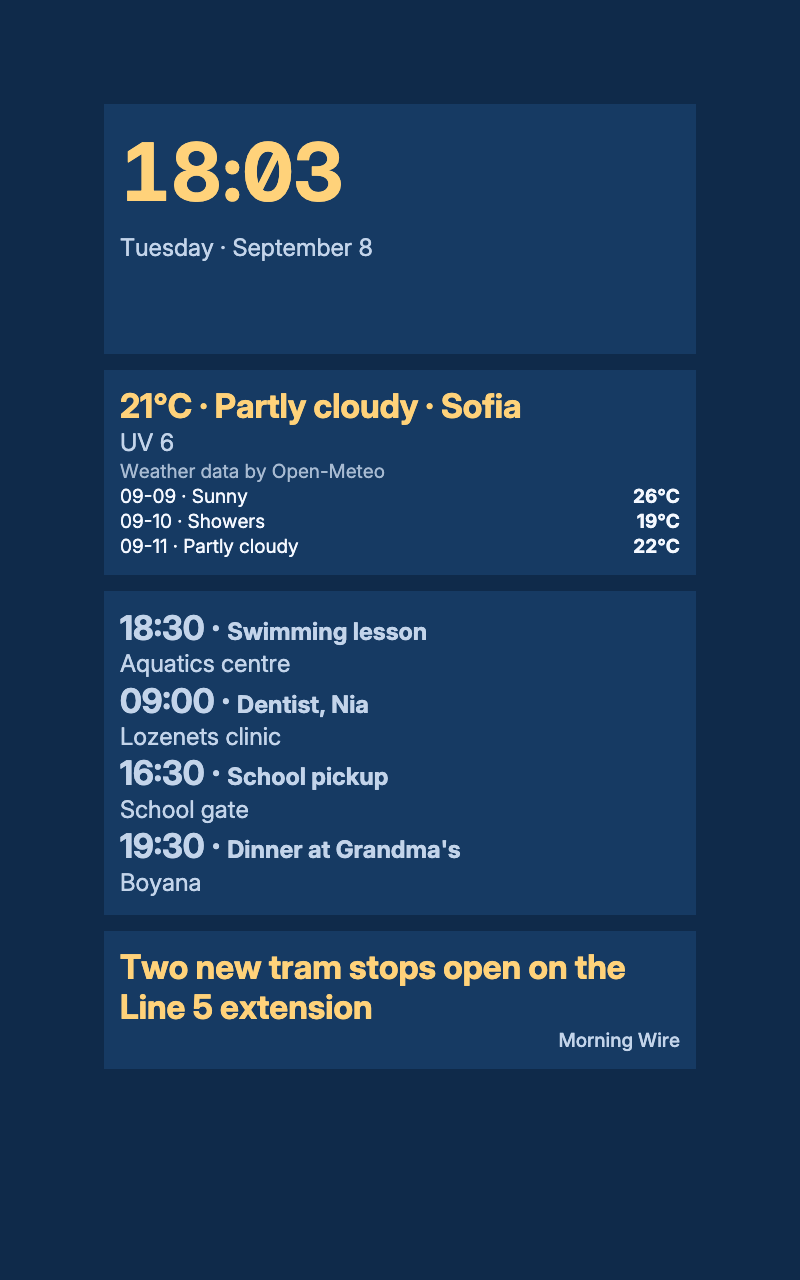
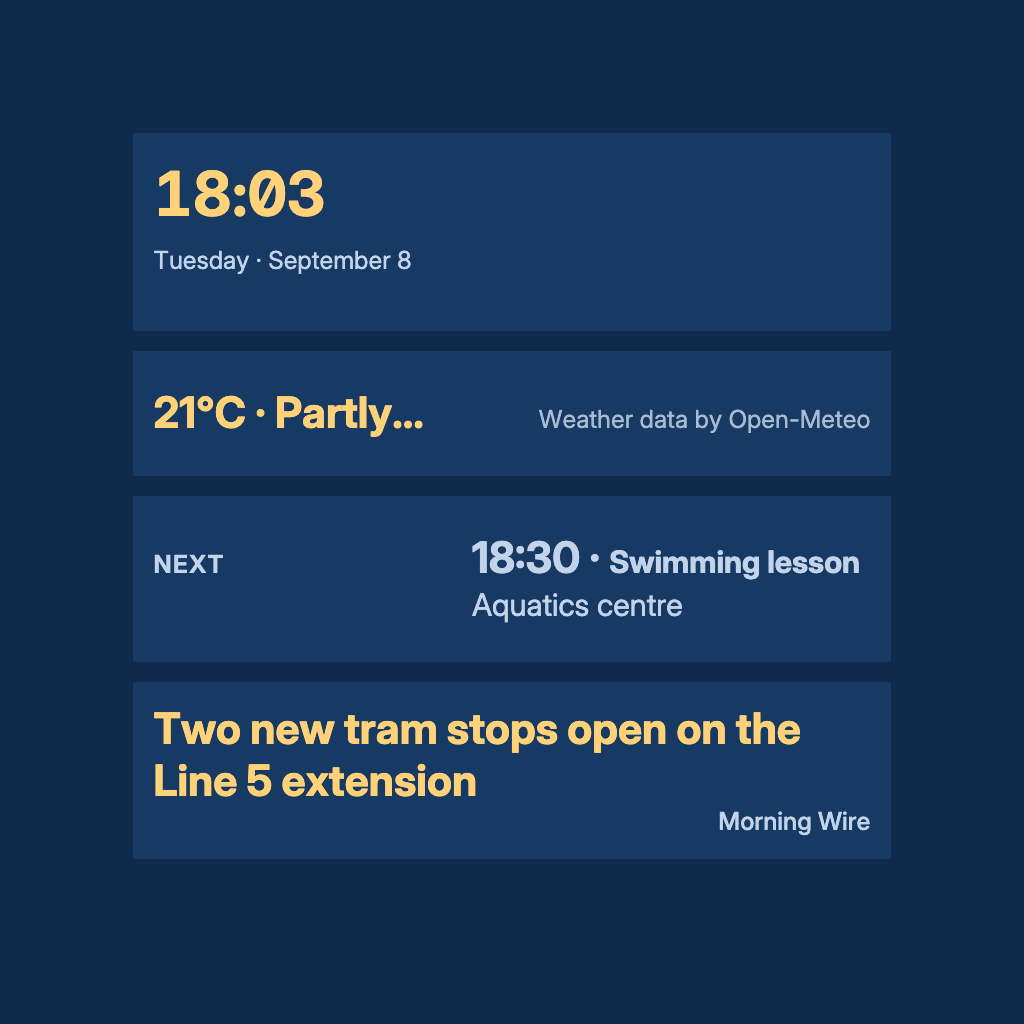
Drafting-blue planes, pale linework type and a warm yellow accent, set in steady columns.
For a study or office screen given over to numbers: market prices, readings or a schedule. Blueprint sets pale type on drafting-blue planes in steady columns, with a warm yellow accent for the vital rows. It needs no source of its own.
By Denframe · version 1.0.0 · MIT
From the Denframe Library · not part of the app. Add it to your Denframe. This website does not connect to or control your home.
Add it to your Denframe
Opens Blueprint in your own Denframe's Library, where you choose Get. Only its id is in the link: nothing about your home comes here.
In Denframe: Studio → Library → Get more → Add by id.
- Denframe in Home Assistant opens only through Home Assistant’s sidebar, which a link can’t reach: copy the id, then in Denframe choose Studio → Library → Get more → Add by id.
- The desktop app answers only on its own computer (127.0.0.1), at a port that can change: open Denframe from the app, then use Add by id.
- Your browser opens your Denframe’s address itself. Some browsers ask before a public website opens an address on your home network (Local Network Access): allow it, or use Add by id.
Make it yours
Add Blueprint from Get more in Studio → Library, then choose Use this look on…
What you need
- No source required for the look
Once it is added, open it in Studio → Library, then choose Use this look on…. Your sources and credentials stay on your own host.
Using the libraryLooking up the file…
Read the look specificationConsidered details
- Drafting-blue planes and pale type
- A warm yellow accent for the vital rows
- Steady columns
Its colours
- Background · #0f2a4a
- Surfaces · #163a63
- Text · #f4f8ff
- Quieter text · #c3d4ea
- Accent · #ffd27a