A considered watchlist
Market Watch
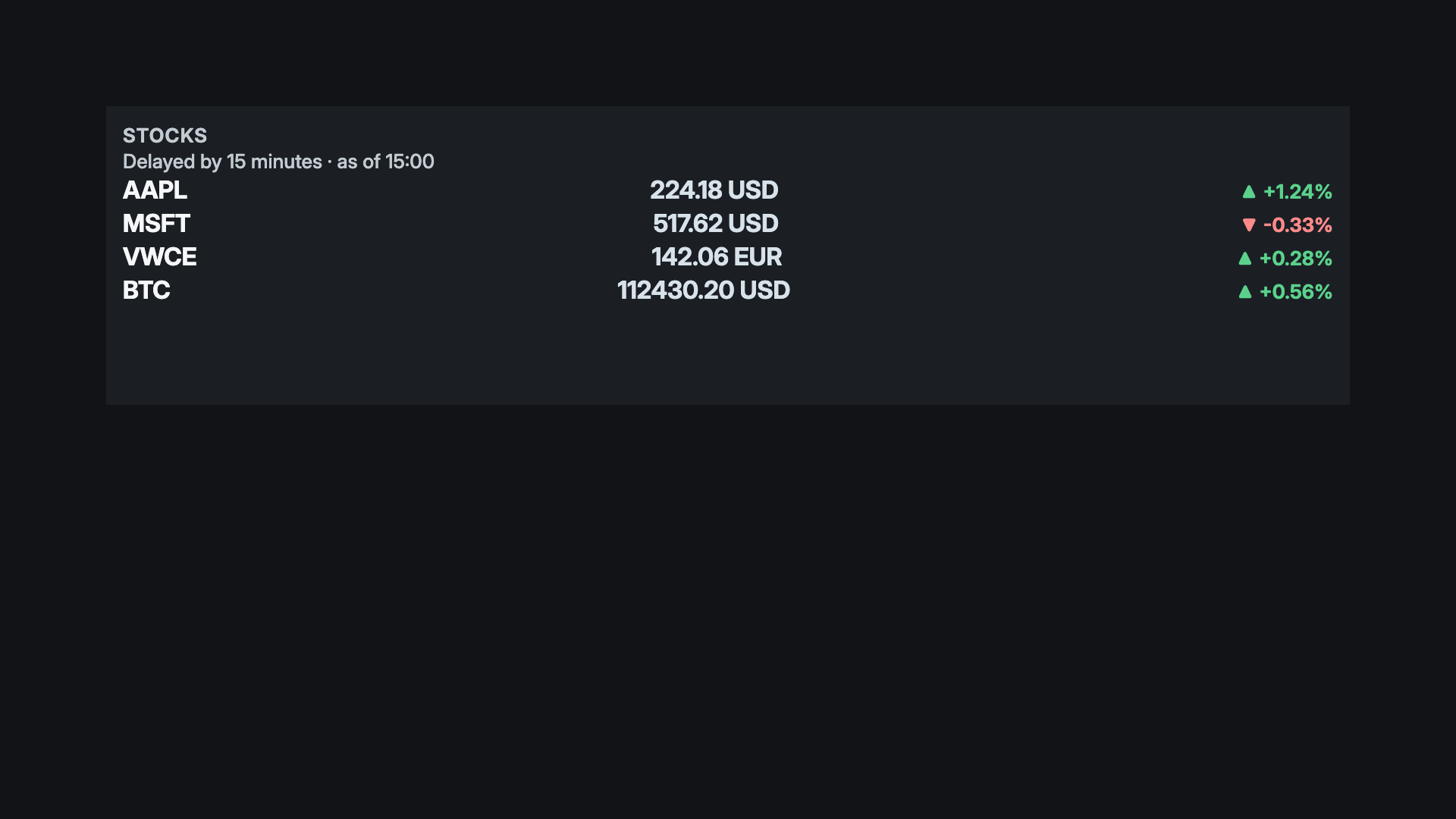
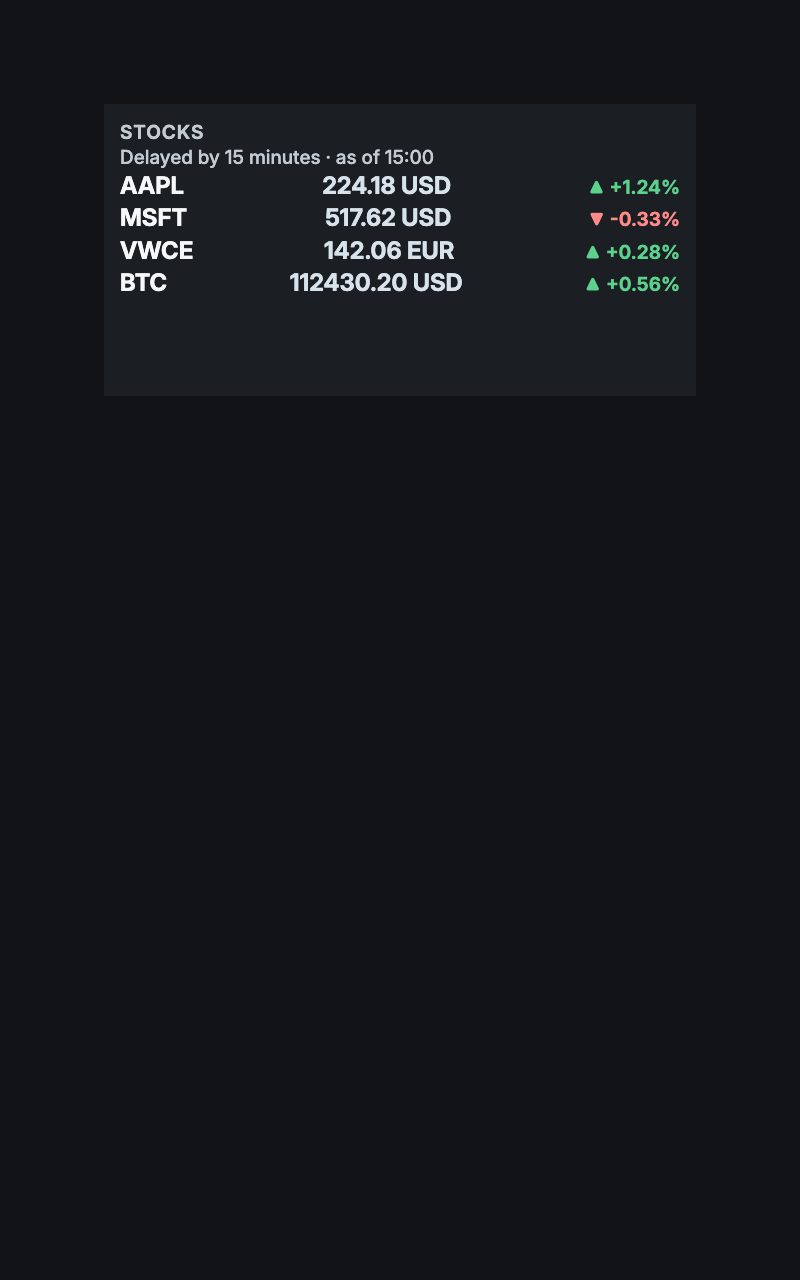
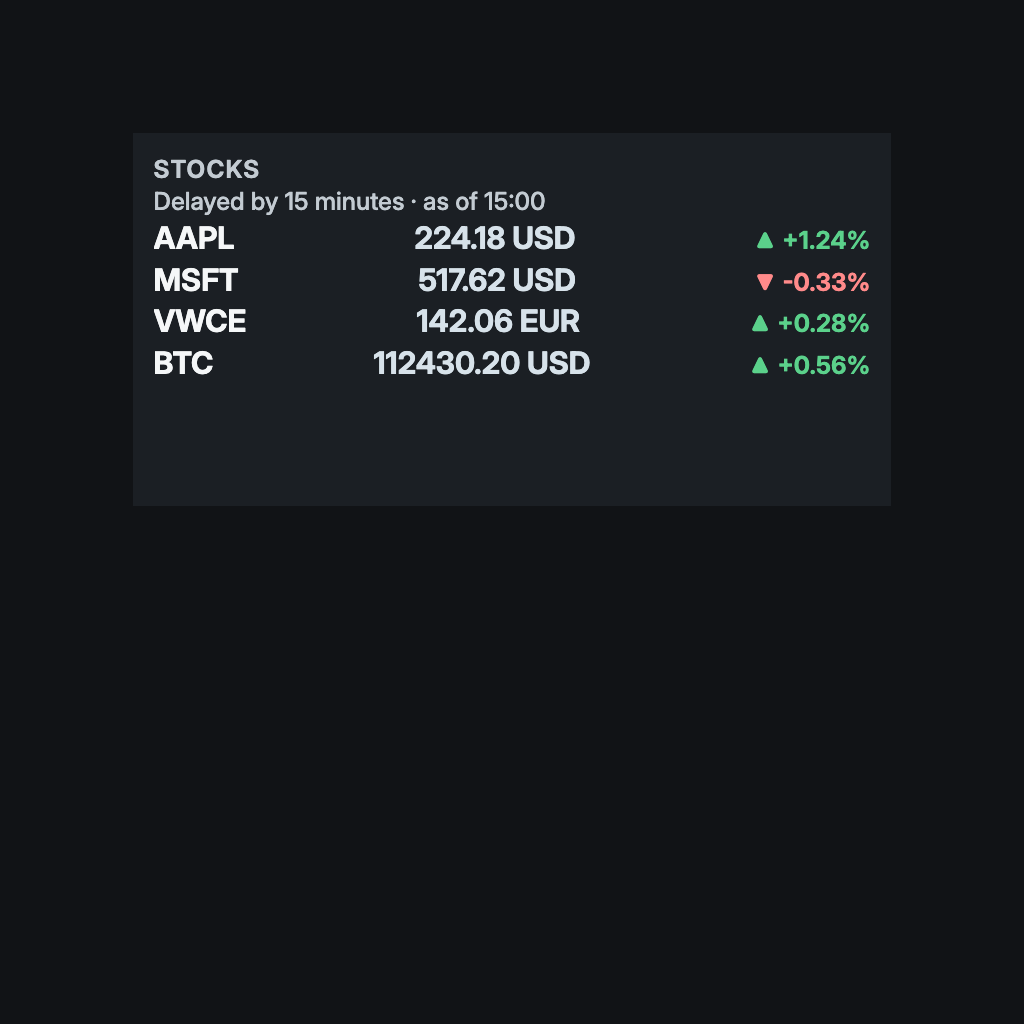
A short list of prices, signed changes, and a clear observation time. The essentials at a glance.
For a study or home-office screen where a short watchlist sits beside the time. Market Watch shows a few prices with their signed changes and the time they were observed. It needs a Stocks source with a provider API key; the timestamp and delay label always stay on screen.
By Denframe · version 1.0.0 · MIT · 1 KB
From the Denframe Library · not part of the app. Add it to your Denframe, or download the file and choose Import a file in Studio → Library. This website does not connect to or control your home.
Add it to your Denframe
Opens Market Watch in your own Denframe's Library, where you choose Get. Only its id is in the link: nothing about your home comes here.
In Denframe: Studio → Library → Get more → Add by id.
- Denframe in Home Assistant opens only through Home Assistant’s sidebar, which a link can’t reach: copy the id, then in Denframe choose Studio → Library → Get more → Add by id.
- The desktop app answers only on its own computer (127.0.0.1), at a port that can change: open Denframe from the app, then use Add by id.
- Your browser opens your Denframe’s address itself. Some browsers ask before a public website opens an address on your home network (Local Network Access): allow it, or use Add by id.
Make it yours
Configure a Stocks source in Sources, then bind it to a Markets block. Preview prices are synthetic and are not a suggested watchlist.
What you need
- Stocks source and provider API key
- Provider symbol and refresh limits apply
Once it is added, open it in Studio → Library, then choose Add to a dashboard…. Your sources and credentials stay on your own host.
Using the libraryDownload the fileSigned file for an offline importKeep the file: it is the exact signed release, and Import a file adds it again. There is no remote auto-updater.
Read the block specificationConsidered details
- Your stock source holds the watchlist; each Markets block can show its own pick from it
- Always retain timestamp and delay disclosure
- A shared block carries its picks with it
What it connects to
- Stocks · needed. U.S. stock prices with a free Finnhub key you add on the Markets page. Prices keep their timestamp and delay label. Markets guide
Layouts that use it
- Market Desk · A clock, one deliberate watchlist, and a short headline selection on an Ink canvas.
- Trading Floor · A one-line ticker across the top, a watchlist and one headline on Blueprint's drafting blue. Needs a Stocks key.
Drawn in
Ink · Near-black planes and crisp pale typography. An uncluttered desk, translated to a screen.
- Background · #111316
- Surfaces · #1b1f24
- Text · #f5f7f8
- Quieter text · #c3cbd2
- Accent · #d7e2ea