Out the door · practical · breezy
Front Door
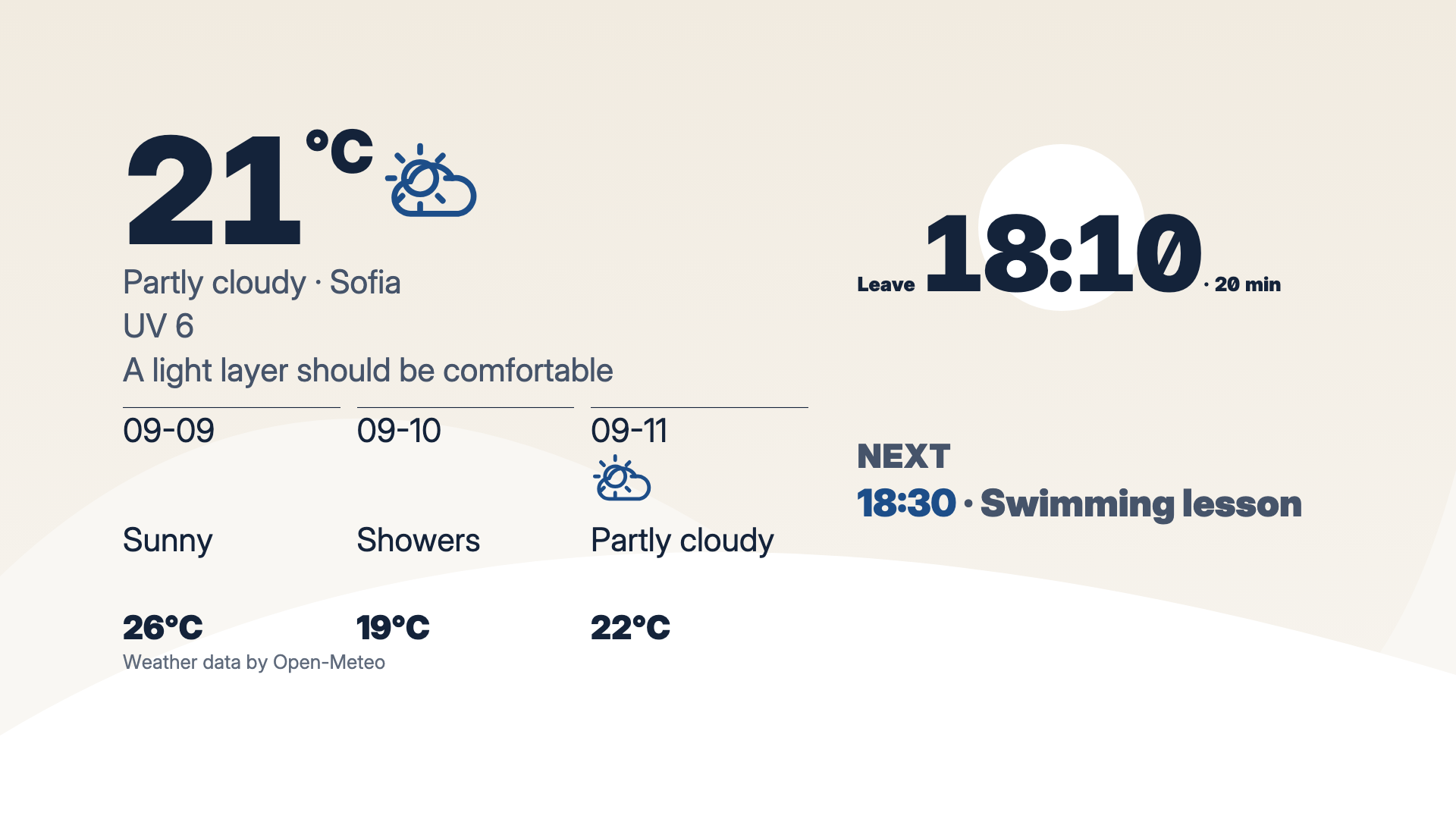
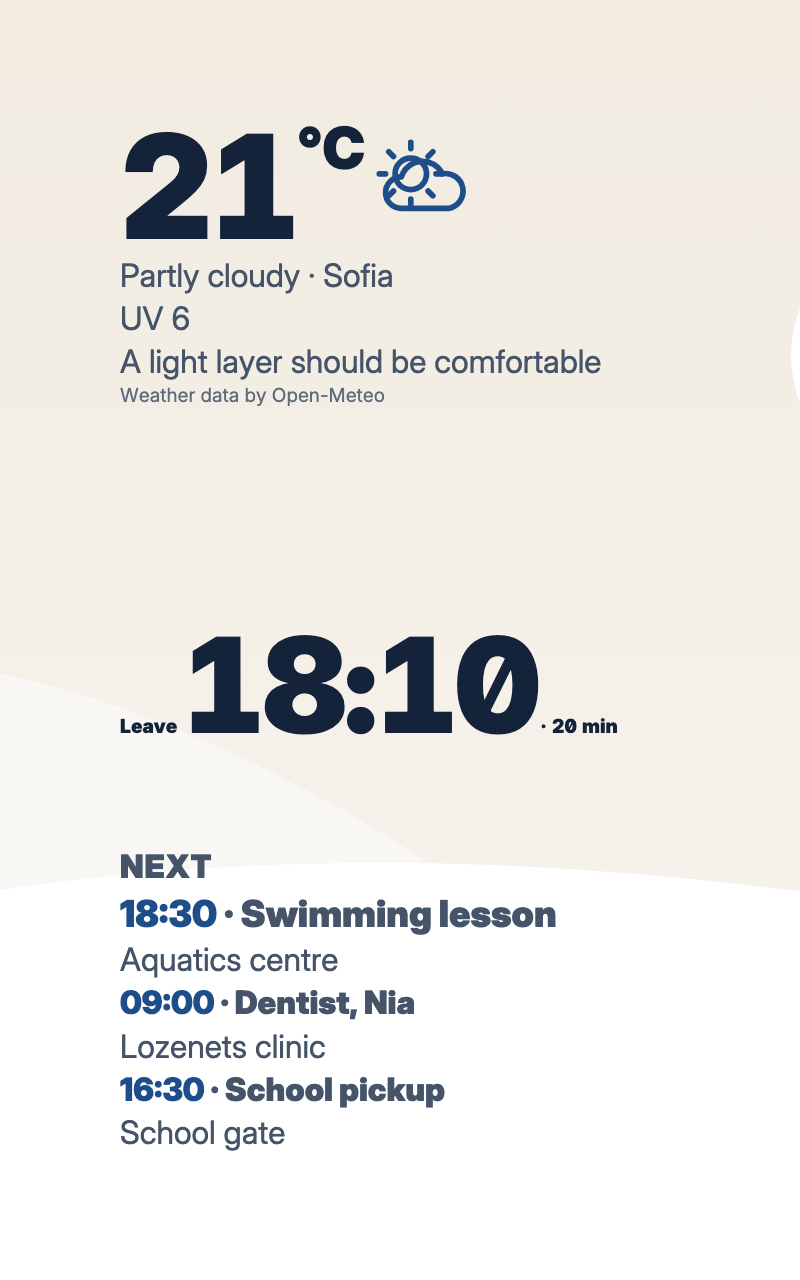
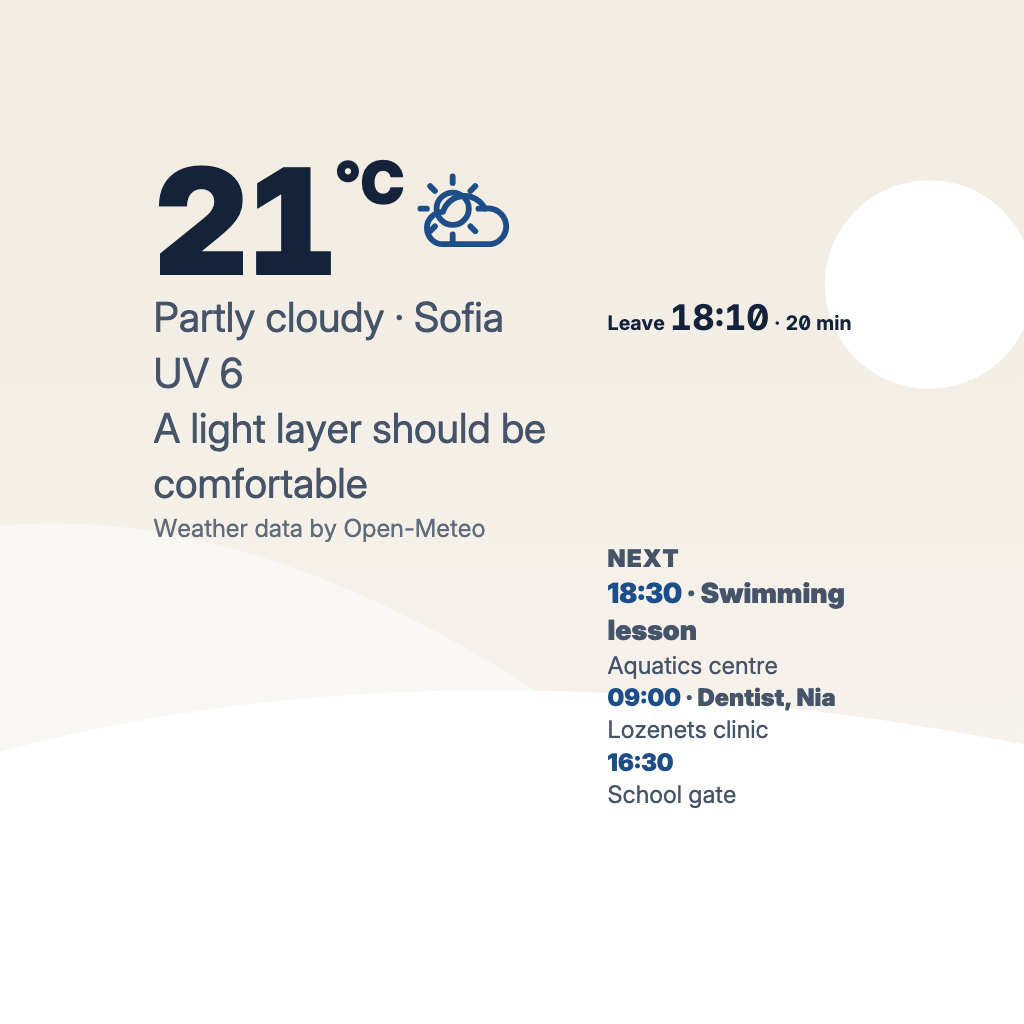
What to wear, when to leave and what comes next, for the wall by the door. Harbour colours over drawn dunes.
For the wall by the front door: what to wear, when to leave and what comes next today, in Harbour colours over drawn dunes. It needs a Weather source and a transport or commute source; the calendar is optional. It is arranged for landscape and portrait screens.
By Denframe · version 1.0.0 · MIT
From the Denframe Library · not part of the app. Add it to your Denframe. This website does not connect to or control your home.
Add it to your Denframe
Opens Front Door in your own Denframe's Library, where you choose Get. Only its id is in the link: nothing about your home comes here.
In Denframe: Studio → Library → Get more → Add by id.
- Denframe in Home Assistant opens only through Home Assistant’s sidebar, which a link can’t reach: copy the id, then in Denframe choose Studio → Library → Get more → Add by id.
- The desktop app answers only on its own computer (127.0.0.1), at a port that can change: open Denframe from the app, then use Add by id.
- Your browser opens your Denframe’s address itself. Some browsers ask before a public website opens an address on your home network (Local Network Access): allow it, or use Add by id.
Make it yours
Get Front Door from Studio → Library, then choose your city and units and connect your transport source.
What you need
- Weather
- Transport or commute source
- Your calendar is optional
Once it is added, open it in Studio → Library, then choose New dashboard from this, or Use on a dashboard I have…. Your sources and credentials stay on your own host.
Using the libraryLooking up the file…
Read the layout specificationConsidered details
- Suggested look: Harbour, over drawn dunes
- Arranged for landscape and portrait screens
- What to wear and when to leave, by the door
What it connects to
- Weather · needed. A location you add once, with its units and outlook. Advice on what to wear comes from the same forecast. Weather guide
- Transport or commute · needed. A list of routes you keep: a drive with the time to leave, or a bus or train timetable. Departures guide
- Calendar · optional. Google, Microsoft or ICS calendars, connected read-only on your host. Private events stay off shared screens unless you allow them. Family calendar guide
The blocks, in order
- Three-Day Sky · Today's weather, the next three days and a word on what to wear before you head out.
- Next Departures · When to leave and how long the trip takes, in one line to read on the way to the door. It stays on screen when space is tight.
- Day Ahead · An airy agenda with a strong time column and a quiet hierarchy between now and later.
Drawn in
Harbour · Harbour navy on sailcloth cream, over dunes drawn in the look's own colours. The layout arranges itself to fit each screen.
- Background · #f1ebe0
- Surfaces · #fbf7f0
- Text · #14233a
- Quieter text · #46546a
- Accent · #1d4e89