Dark · quiet · bedside
Night Stand
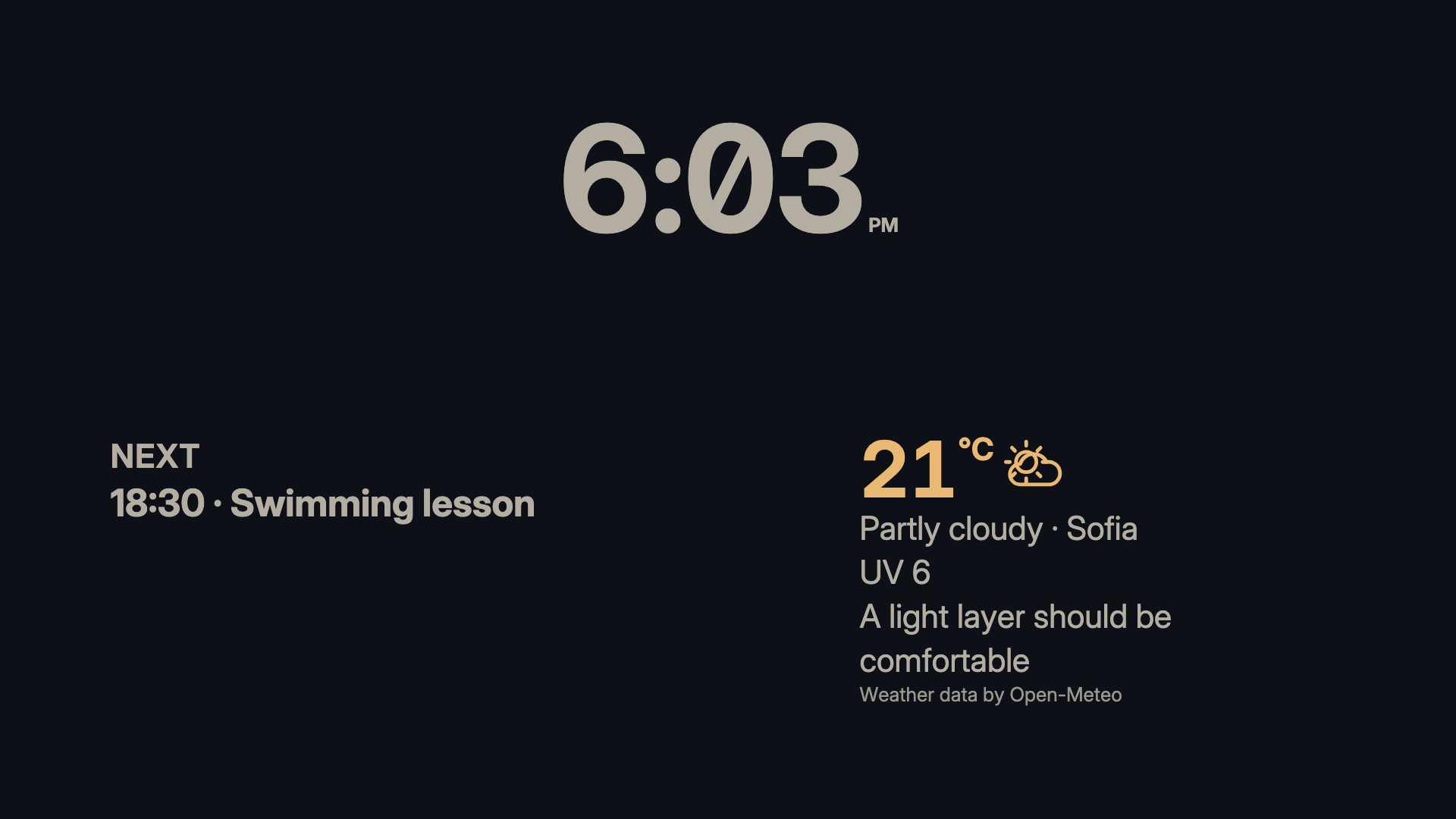
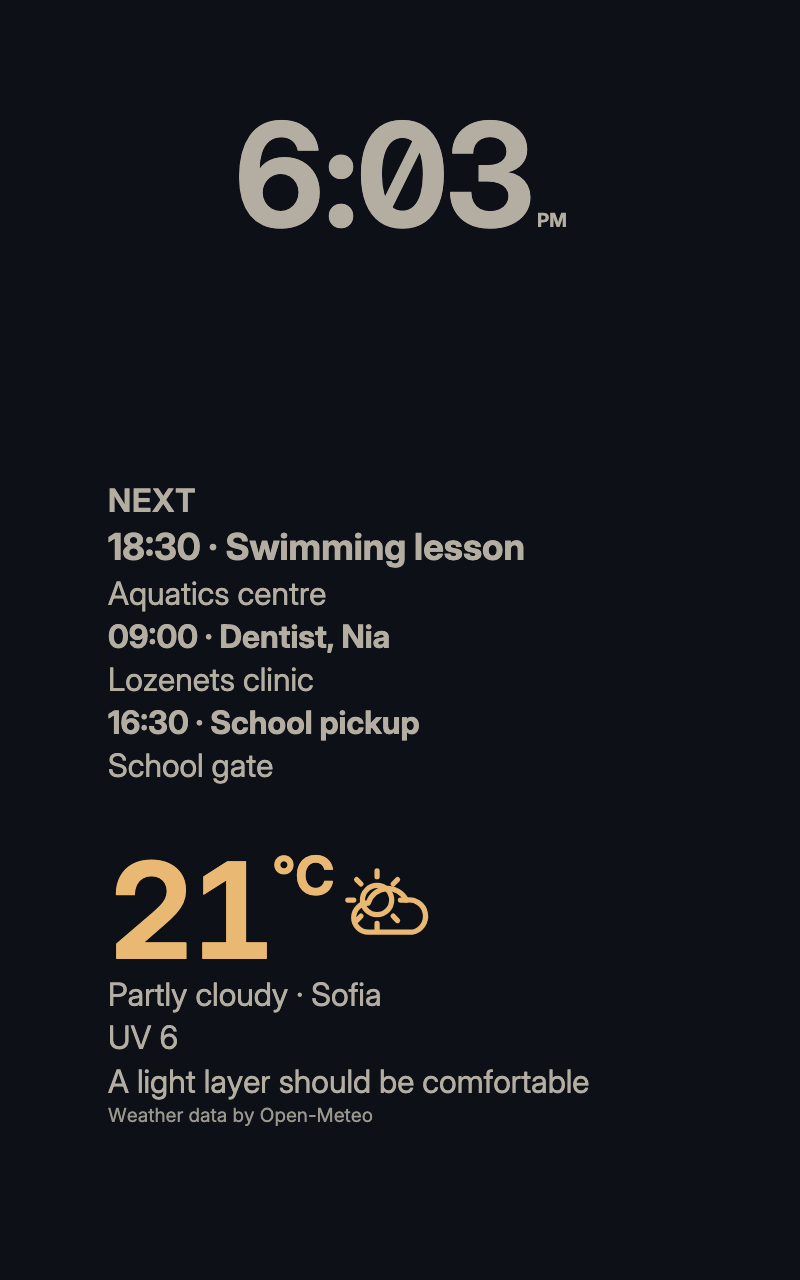
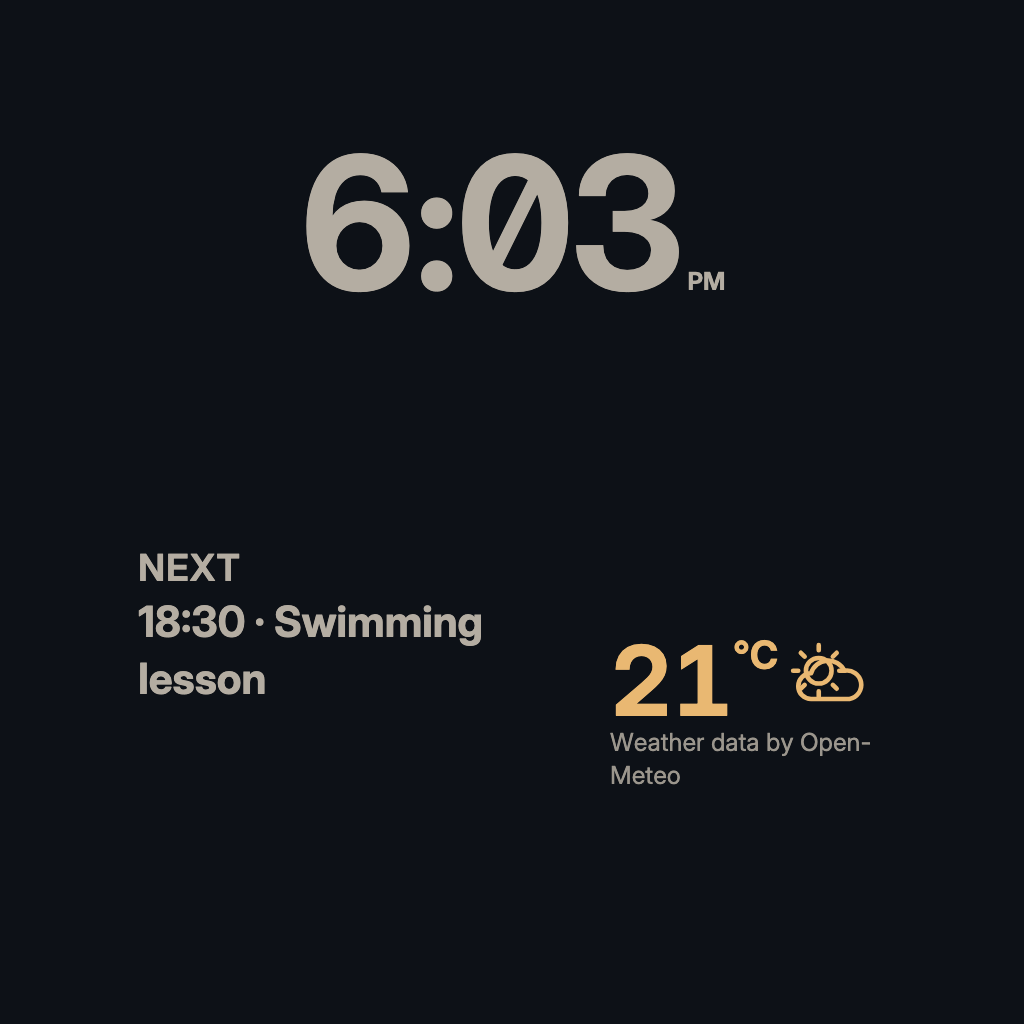
A muted clock, the next 24 hours of plans and a three-day sky on a lamplit night-blue canvas. Nothing bright enough to keep you awake.
For a bedside screen: a muted 12-hour clock, the next 24 hours of plans and a three-day sky, on Nocturne's lamplit night-blue canvas, with nothing bright enough to keep you awake. Weather needs a confirmed city; a calendar is optional, and its private events stay off the screen. It is arranged for landscape and portrait screens.
By Denframe · version 1.0.0 · MIT
From the Denframe Library · not part of the app. Add it to your Denframe. This website does not connect to or control your home.
Add it to your Denframe
Opens Night Stand in your own Denframe's Library, where you choose Get. Only its id is in the link: nothing about your home comes here.
In Denframe: Studio → Library → Get more → Add by id.
- Denframe in Home Assistant opens only through Home Assistant’s sidebar, which a link can’t reach: copy the id, then in Denframe choose Studio → Library → Get more → Add by id.
- The desktop app answers only on its own computer (127.0.0.1), at a port that can change: open Denframe from the app, then use Add by id.
- Your browser opens your Denframe’s address itself. Some browsers ask before a public website opens an address on your home network (Local Network Access): allow it, or use Add by id.
Make it yours
Get Night Stand from Studio → Library; it brings the blocks and look it is made from. Choose your city and units, and a calendar if you want one.
What you need
- Weather
- Your calendar is optional
Once it is added, open it in Studio → Library, then choose New dashboard from this, or Use on a dashboard I have…. Your sources and credentials stay on your own host.
Using the libraryLooking up the file…
Read the layout specificationConsidered details
- Suggested look: Nocturne
- Arranged for landscape and portrait screens
- A muted clock that stays gentle at night
What it connects to
- Calendar · optional. Google, Microsoft or ICS calendars, connected read-only on your host. Private events stay off shared screens unless you allow them. Family calendar guide
- Weather · needed. A location you add once, with its units and outlook. Advice on what to wear comes from the same forecast. Weather guide
The blocks, in order
- Night Clock · Only the time, in 12-hour numerals with AM or PM, drawn in the muted text colour so it stays gentle in a dark room.
- Week Ahead (the next 24 hours)
- Three-Day Sky · Today's weather, the next three days and a word on what to wear before you head out.
Drawn in
Nocturne · A deep night-blue ground, warm parchment type and a lamplight amber accent. Blocks sit straight on the canvas, close to the edges.
- Background · #0d1117
- Surfaces · #161b24
- Text · #f2ece1
- Quieter text · #b4ada2
- Accent · #e9b872