Late · hushed · lamplit
Nocturne
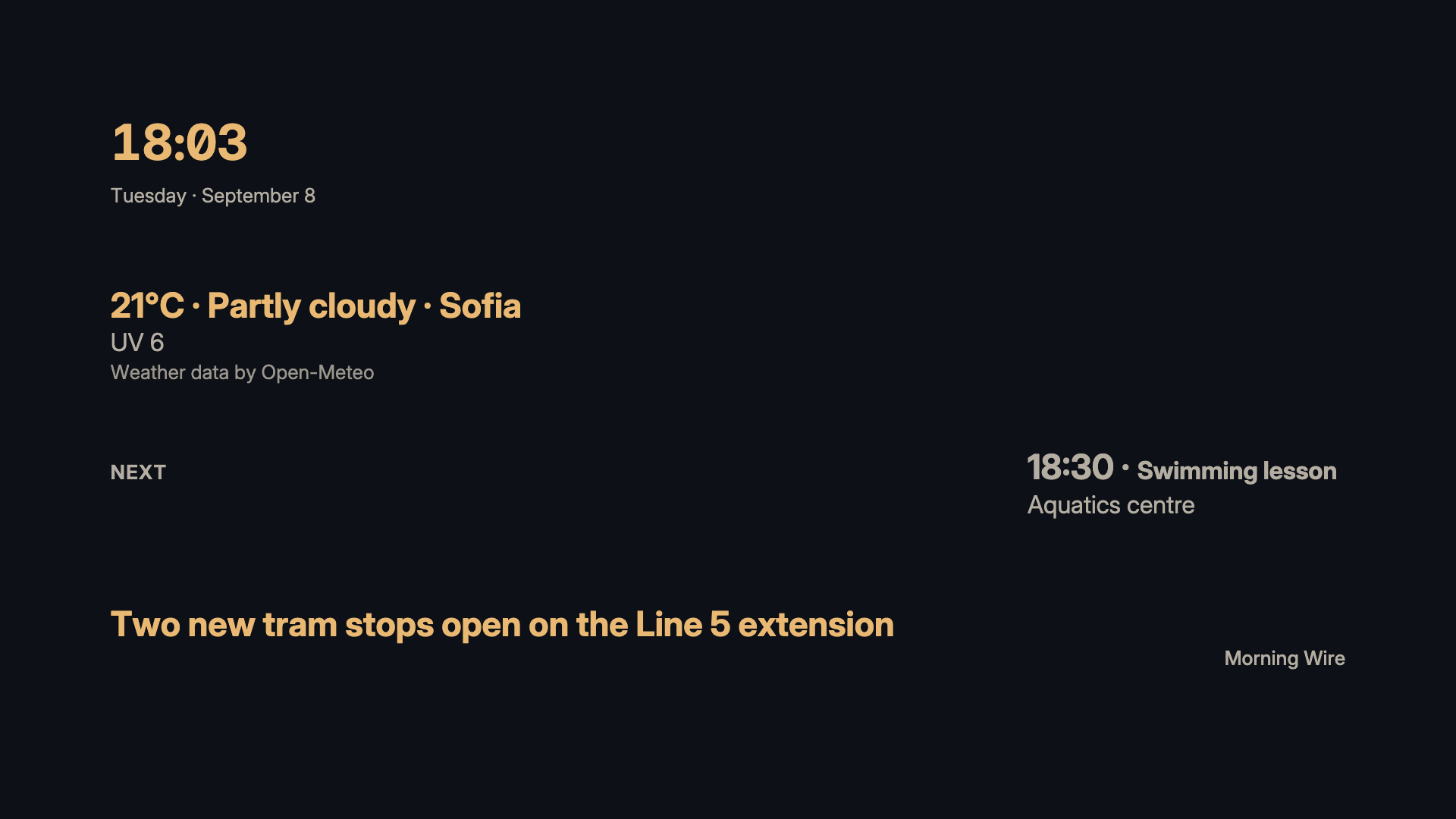
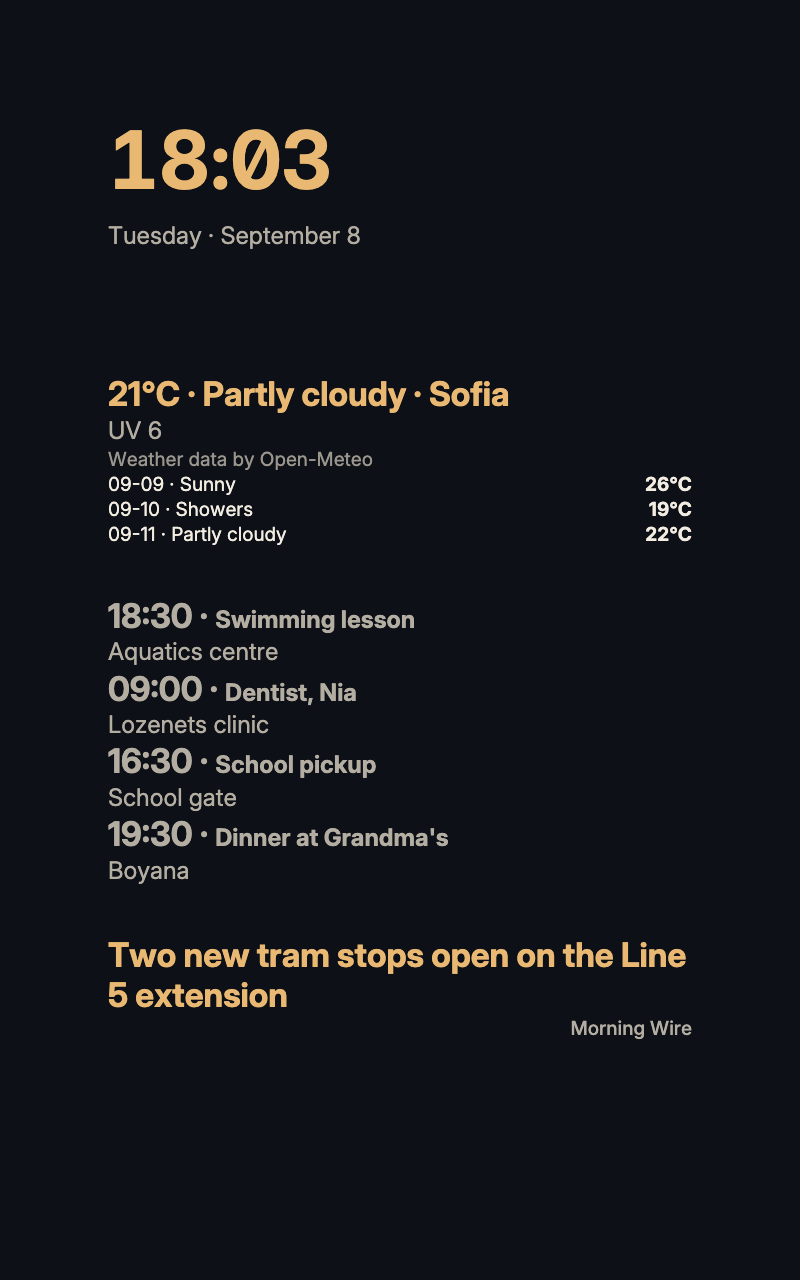
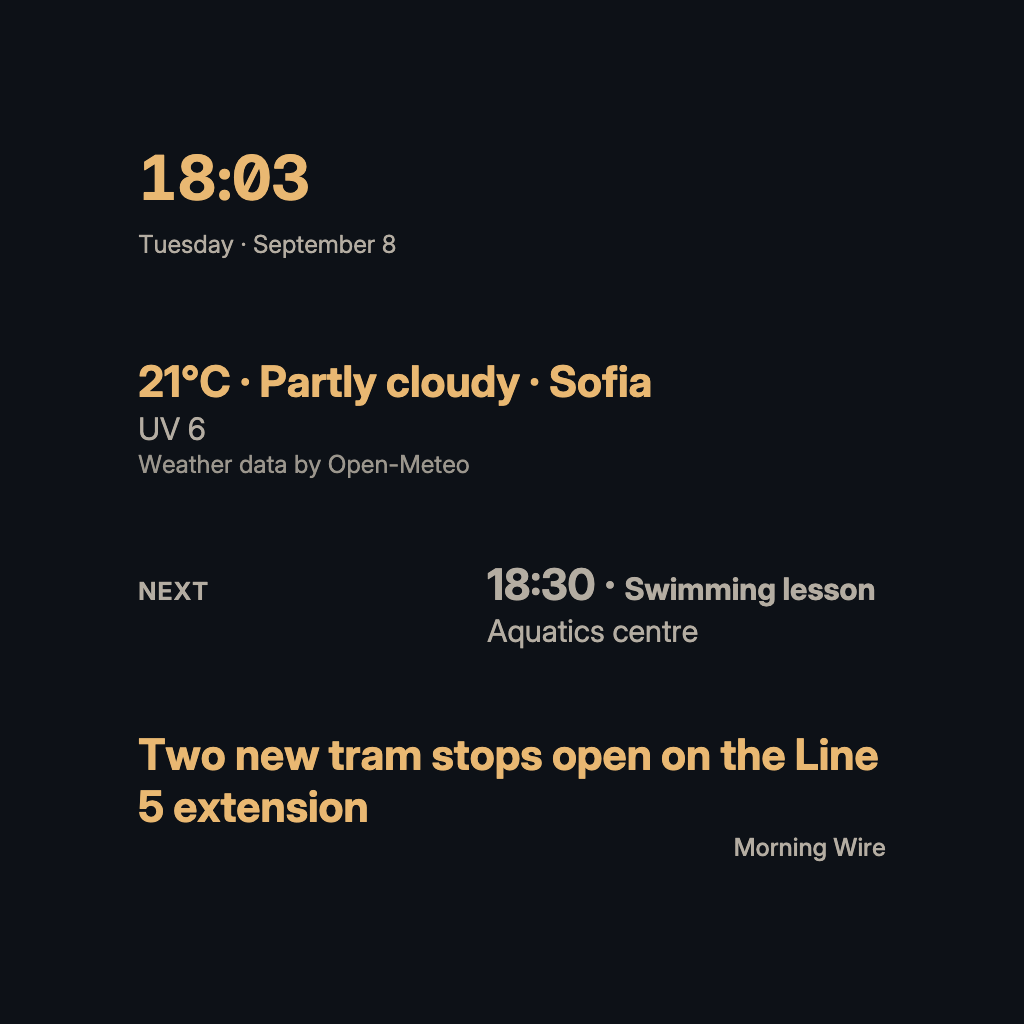
A deep night-blue ground, warm parchment type and a lamplight amber accent. Blocks sit straight on the canvas, close to the edges.
For a bedroom or a late-evening screen, where a bright panel would keep someone awake. Nocturne sets warm parchment type on a deep night-blue ground and keeps a lamplight amber for the numbers that matter. Blocks sit straight on the canvas, close to the edges. It needs no source of its own.
By Denframe · version 1.0.0 · MIT
From the Denframe Library · not part of the app. Add it to your Denframe. This website does not connect to or control your home.
Add it to your Denframe
Opens Nocturne in your own Denframe's Library, where you choose Get. Only its id is in the link: nothing about your home comes here.
In Denframe: Studio → Library → Get more → Add by id.
- Denframe in Home Assistant opens only through Home Assistant’s sidebar, which a link can’t reach: copy the id, then in Denframe choose Studio → Library → Get more → Add by id.
- The desktop app answers only on its own computer (127.0.0.1), at a port that can change: open Denframe from the app, then use Add by id.
- Your browser opens your Denframe’s address itself. Some browsers ask before a public website opens an address on your home network (Local Network Access): allow it, or use Add by id.
Make it yours
Add Nocturne from Get more in Studio → Library, then choose Use this look on… Layout and background can be changed independently.
What you need
- No source required for the look
Once it is added, open it in Studio → Library, then choose Use this look on…. Your sources and credentials stay on your own host.
Using the libraryLooking up the file…
Read the look specificationConsidered details
- Warm parchment type on a deep night-blue canvas
- Blocks drawn straight on the canvas, with a tight edge
- Amber numerals, well over the 7:1 a vital number needs
Its colours
- Background · #0d1117
- Surfaces · #161b24
- Text · #f2ece1
- Quieter text · #b4ada2
- Accent · #e9b872