Keep a shopping list
Keep groceries and household supplies in the family task list, tick them off as they are bought, and show the next few on the kitchen wall.
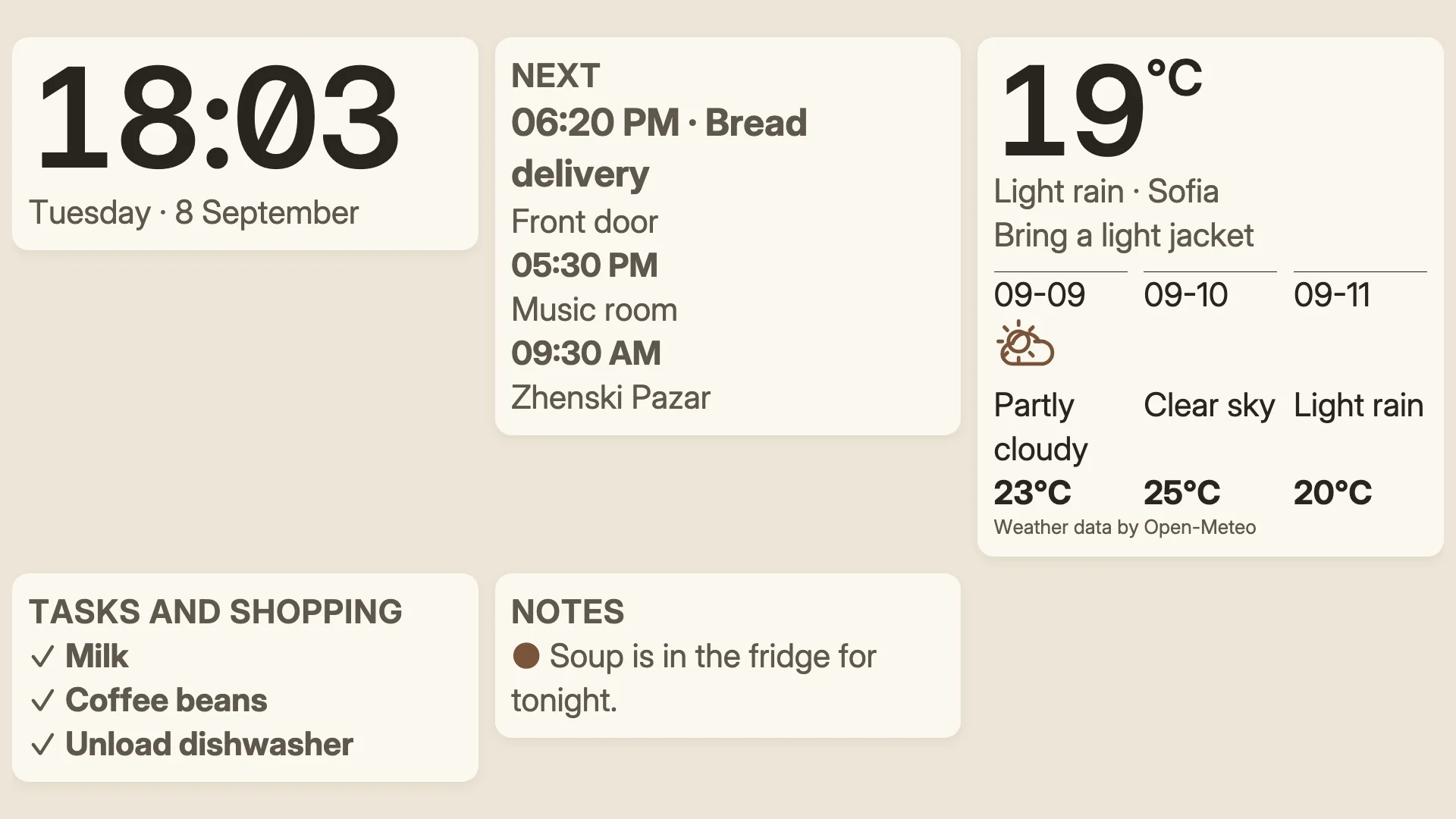
A shopping list on the kitchen screen showing the first three things to buy, such as “Milk · 2 bottles”, updated as anyone adds or ticks an item.
- Denframe installed and running. See Install Denframe.
- Optionally, a groceries list in Microsoft To Do, Google Tasks or Home Assistant, connected as in Show tasks, chores and routines.
Follow these steps in your own Denframe. This website never connects to your household, your accounts or your devices, and never asks for your credentials.
Open Denframe’s list
In Studio, open Sources, then Tasks. Groceries and supplies are typed items in Denframe’s own task list, so they share its people, privacy and export.
If the page asks No Google or Microsoft account?, choose Use Denframe's list ▸ to show the list and its Groceries & supplies row.
Add items
On the Groceries & supplies row, choose Change ▸, then + Add item:
- Label: what to buy, up to 60 characters.
- Type: Grocery or Supply.
- Assignee and Quantity (optional), such as
2 bags, up to 40 characters. - Due from and Due by, and Visibility.
- Private note, never shown on a screen.
Choose Add item. Shopping items are one-off: they never repeat.
Tick items as they are bought
In Groceries & supplies, tick an item when it is bought. It stays on the list, ticked, so it can be unticked again; a ticked item is erased on its own 30 days after it was ticked. Remove on its ⋯ deletes it sooner, and Edit… changes it.
Household members with a paired phone can tick the items they are allowed to see; guests and kiosks see them only. On a TV the list is for reading. See Denframe on your phone.
If two people change the same item at once, Denframe refuses the second change rather than guess, and says so.
Or use a groceries list from an app
A list you already keep in Microsoft To Do, Google Tasks or Home Assistant (including Home Assistant’s shopping list) can be the shopping list instead. Connect it on the Tasks page, then set its List to Groceries. Its items show on the wall as groceries and are edited in that app.
Put it on the kitchen wall
In Studio’s Library, add the Shopping List block to a dashboard: a Tasks block showing the first three things on the list in a compact column. See Use the library. Any Tasks block shows the list too; Show up to sets how many items it holds.
Check it worked
The block shows the next open items with their quantities. Tick one in Groceries & supplies and it leaves the wall; untick it and it comes back.
On the Tasks card’s ⋯, Export tasks… copies the tasks and shopping items as JSON.
If it doesn’t work
There is no Groceries & supplies row
Choose Use Denframe's list ▸ on the Tasks page.
An item can’t be added
Denframe’s list holds up to 200 active tasks and items. Remove bought items you no longer need.
The screen won’t tick an item
On a TV the list is for reading; tick items on the Tasks page or a paired phone.
An item is not on the wall
Check its Visibility and Assignee, and the block’s Show up to and Audience.